
Common sense business intelligence - uncommon insights


Prism is a simple-yet-powerful information analysis tool that allows vast amounts of data to be sliced, diced and analyzed from every possible angle in a super friendly, super interactive way, all through a WYSIWYG interface that puts a big emphasis on instant results, visualization and ad-hoc analysis.


  • Data Sources
  • Query & Analysis
  • Multidimensional Analytics
  • Visualize & Discover

Prism supports out of the box connectivity to a growing number of different data source
types such as relational databases, spreadsheets, text files and OLAP sources.


Here is a summary list of the data sources that are supported by Prism:


Database Servers:

  • SQL Server 2000, 2005
  • Oracle
  • MySQL
  • SQL Server Analysis Services
  • DB2 *

Files:

  • Excel
  • Access
  • CSV

* soon

Image 1 - Connect to Excel spreadsheets & remote
databases tables/views in a snap.

screenshot

Image 2 - Assign multi dimensionality to any data with a single
click and let fields act as dimensions and measures.

screenshot

Explore and analyze all aspects of your business, regardless of the data sources
and with no IT involvment.


  • Drill down, Drill through
  • Grouping, Paging, Filtering and Sorting
  • Switch Axes
  • Sub totals, grand totals
  • Sets & Groups
  • In cells data bars
  • Show/Hide members
  • Cross tab charts/grids
  • Time hierarchies: Years, Quarters,
    Months, Days levels
  • Aggregated Dates: Months, Weekdays
  • Combine different date & time
    dimensions on different axes

Image 1- Filter, summarize, group and sort pivots

screenshot

Image 2 - Use in-cell data bars & charts to visualize trends inside your pivots

screenshot

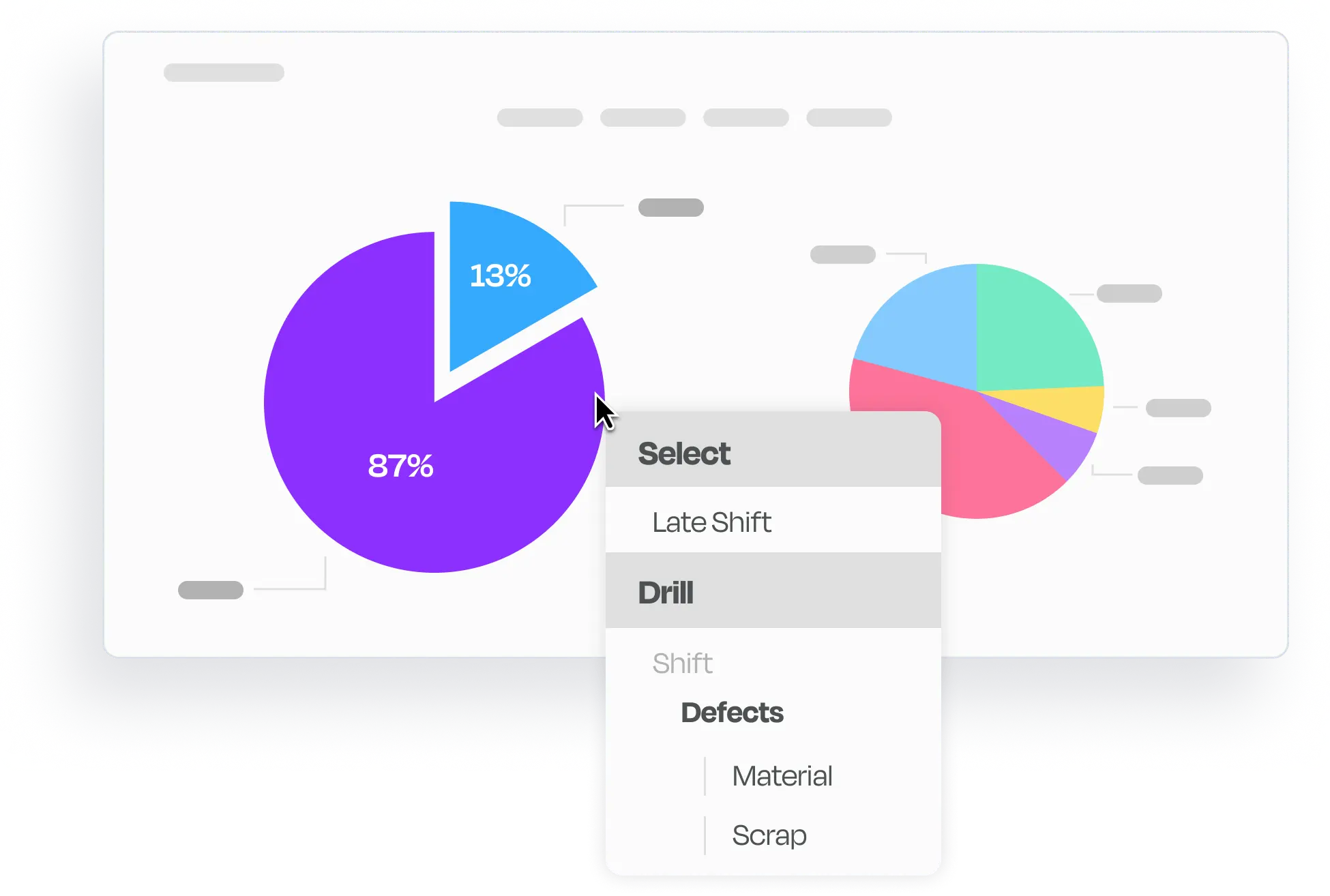
Image 3 - Charts support drill-in, and can act as selectors to other widgets

screenshot

Prism performs true multi-dimensional analytics. It covers millions of records.
You can simply connect to your structured data sources and apply formulas or
filters that up until now were only possible with complicated, expensive OLAP- based solutions.


  • Growth
  • Difference
  • Ratio to parent, ancestor, all
  • Percentage contribution
  • Proportional allocation of one quantity
    based on ratios of another
  • Non-weighted allocations
  • Weighted/Cumulative/Rolling averages
  • Weighted/Cumulative/Rolling sums
  • 52-week high/low
  • Pareto analysis
  • Conditional filters
  • Count over filters, Sum over filters
  • Comparison based filters
  • Top ranking, Bottom ranking
  • Top percentile, bottom percentile
  • Previous/Next time window formulas

Image 1- Use multi dimensional analysis to compare multiple time dimensions over formulas

screenshot

Image 2 - Quickly apply time calculations with the quick formula popup menu

screenshot

Image 3 - Multi dimensional formulas are business oriented rather than cell/range oriented. No matter where you drop them, they will always represent valid data that cannot be messed with by changing cell references and ranges.

screenshot

   Selection Widgets

  • Date picker
  • Date range picker
  • Drop down list

   Indicator Widgets

  • Calender
  • Round Linear, Numeric
  • Rectangular Linear numeric
  • Light, Traffic Light

   Action Widgets

  • Refresh
  • Link
  • Hyperlink
  • Context

   Common Widgets

  • Image
  • Panel
  • Rich text

   Pivot & Chart Widgets

  • Pivot, Table, List
  • Column,Bar,Area,Line,Pie

   Special Chart Widgets

  • Bubble, Doughnut,
    Point, Spline, Spline Area,
    Step Line, Stacked Area,
    Stacked Bar, Column

Do-It-Yourself Business Intelligence with Visualization Widgets.


SiSense offers one environment to source all reports and graphs from. You can create prism based widgets to meet your Business Intelligence needs. Simply, drag & drop the desired widgets to produce flexible Business Intelligence applications in a snap. Then, link those widgets together to allow drill in between business functions and data sources, with the power and simplicity of multi dimensional analysis. And remember - you can do this without writing a single line of code.


Image 1- Link Widgets together to form dynamic dashboards that display and bind different views on the same canvas (Click to enlarge)


Image 2- Create your own Query & Analysis view by combining a pivot widget and a chart widget(Click to enlarge)

Copyright 2007-2008 Sisense ltd. All rights reserved