
Prism BI Software Walk-through

Three steps from your raw data to powerful BI without any programming!

Prism's advanced technologies makes it fast and easy to get started with interactive business reporting and analytics, without any special skills. Let's walk through the three typical steps required to get started with Prism (or to quickly make changes to an existing setup).

Step 1: Get the Data

After installing Prism, the first step is to use the Prism ElastiCube Manager to import source data files, connect to cloud data sources and/or to any ODBC-compliant database. You may bring in any number of sources, and mix and match across sources (data mash-ups). Prism will intelligently link data with shared fields, and you may further specify relationships among the data sources using a user-friendly graphical interface. The result is a self-contained compressed data repository called an ElastiCube.

Advanced users have access to comprehensive ETL functionality, including standardize/cleanse data, create new fields based on Excel-like formulas and create new tables based on SQL expressions.

Updated data and new data sources can be instantly added to an ElastiCube at any time, without the need to rebuild the entire data store.

One or more ElastiCubes can be served by the Prism Server. Any number of users can connect to this server to generate reports, view BI dashboards and run ad hoc queries.

Prism's ElastiCube technology returns query results in seconds, even over billions of rows of raw data, with very modest hardware requirements. ElastiCube's columnar data storage and just-in-time in-memory processing technologies make this possible with no pre-aggregation or pre-calculation of new data! Because there are no pre-aggregation or pre-calculation stages (as required with typical BI solutions), ElastiCube data stores are completely flexible and require no rebuilding when the schema changes. This means that there will never be wasted hours (or days) waiting for rebuilds, and that much less memory, disk space and CPU power are required.

Click here to learn more about Prism ElastiCube Manager in the User Guide.


Step 2: Design Queries, Dashboards, Reports, etc.

Once an ElastiCube has been created, the Prism BI Studio is used to create, manage and share interactive reports, dashboards and guided analytics applications using only a graphical user interface, and without the need for programming knowledge or database management skills.

This business-user-friendly application enables the configuration of screen layouts incorporating a wide variety of interactive visualization widgets. Creating these reports/dashboards, including binding the widgets to data, is accomplished using only mouse-click and drag-and-drop operations.

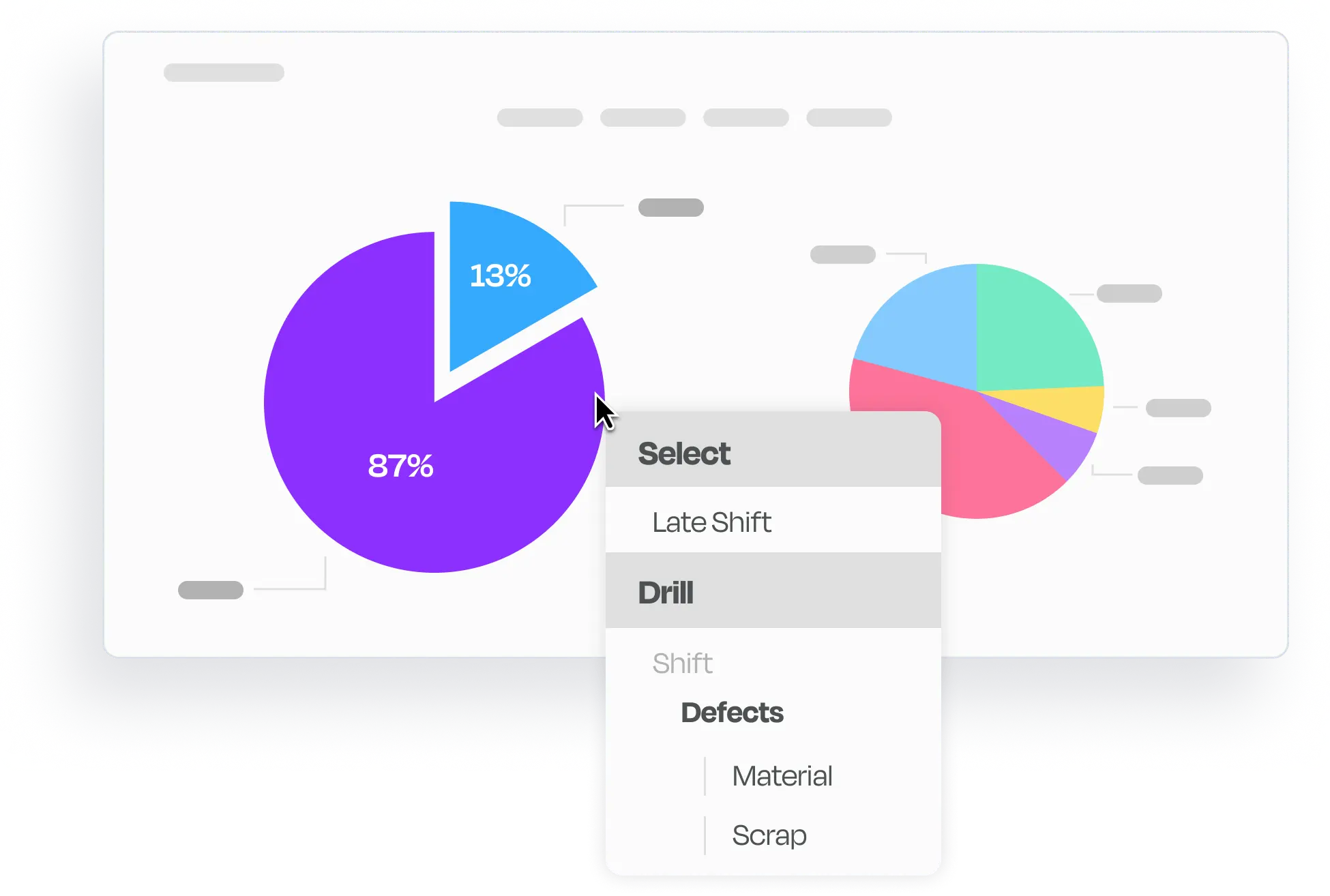
Sophisticated data reporting and drill-down are made easy with Prism's powerful visual environment for defining and manipulating dimensions, measures, groups and filters all with no programming required.

Click here to learn more about building dashboards and reports with Prism BI Studio in the User Guide.

Step 3: Publish and Share

Dashboards, reports and analytical applications can be easily published to any number of users in the organization. The centralized Prism Server provides the analytical back end for any number of ElastiCube data stores. Standard PC hardware is all that is required to enable massive scalability, supporting any number of users on even the largest data sets.

Because everything runs off the server, there is never a need to send large data files from user to user.

Deployment of the Prism Interactive Viewer is effortless and secure, whether users opt to access it via a Web browser or by installing the lightweight Windows client. Users will enjoy lightning-fast performance thanks to Prism's advanced technology. Queries, reports and visualizations will appear and update with impressive speed.

Business users wanting more sophisticated data visualization and business intelligence applications to explore and analyze data on their own can modify published dashboards using their own installation of the Prism BI Studio. The robust visual analytics interface gives power users the ability to visually and intuitively perform complex filtering and calculations, as well as ad-hoc data exploration and visualization.

Business intelligence dashboards, reports and data may also be exported to Excel and PDF.

Click here to read more about publishing and sharing Prism dashboards and reports in the User Guide.